Det här gränssnittet i WHM gör att du samtidigt kan skicka e-post till alla WHM/cPanel-användare på servern. Detta är särskilt användbart för att kommunicera under planerat serverunderhåll, informera om säkerhetsproblem eller skicka viktiga meddelanden till återförsäljaranvändare.
Så här gör du
-
Steg 1: Logga in på WHM
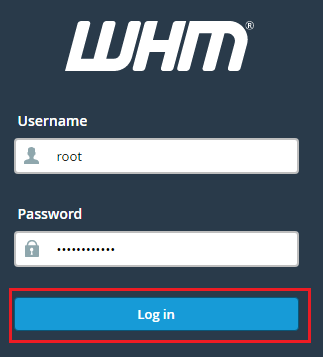
Logga in på WHM med root-åtkomst.
-
Steg 2: Öppna Account Functions
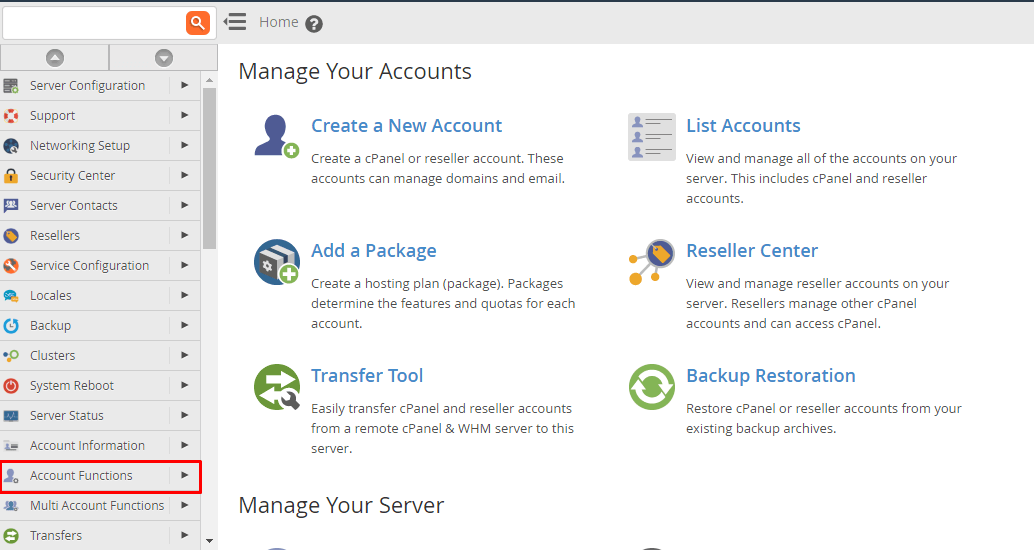
Från startsidan, välj Account Functions (Kontofunktioner).
-
Steg 3: Välj Email All Users
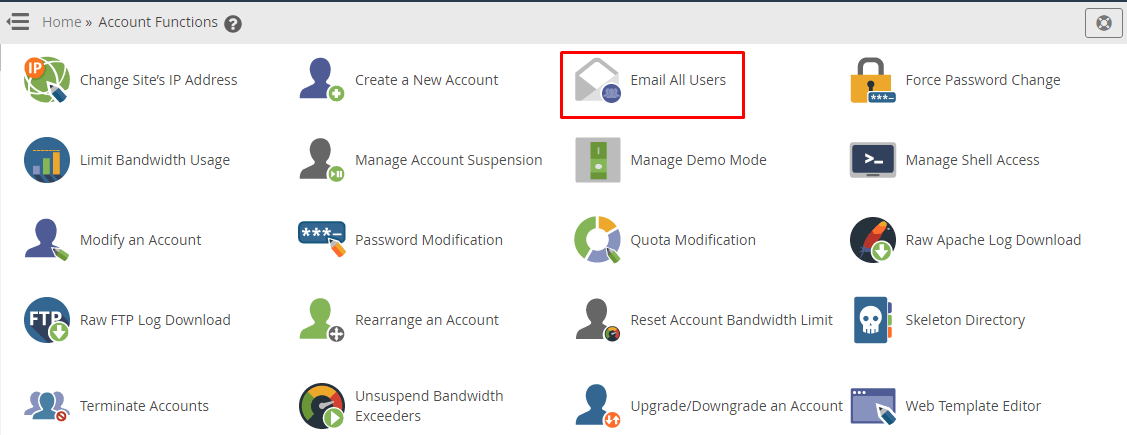
Välj Email All Users (E-posta alla användare) från Account Functions (Kontofunktioner).
-
Steg 4: Fyll i e-postinformation
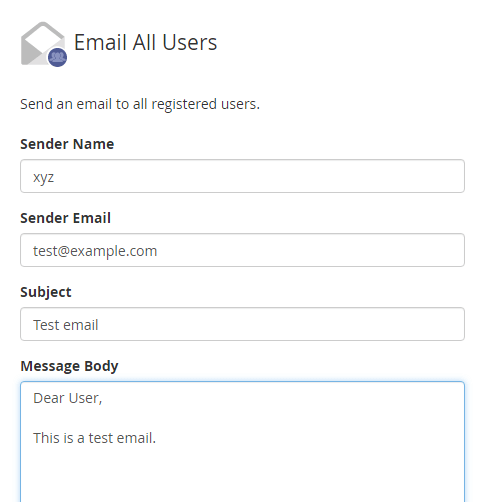
Fyll i textrutorna för Avsändarnamn, Avsändar-e-post, Ämne och Meddelandetext med relevant information.
-
Steg 5: Välj mottagare och skicka
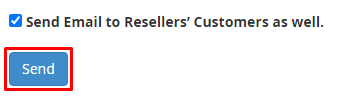
Rulla ner till botten. Om du också vill e-posta återförsäljarnas kunder, markera rutan Send Email to Resellers' Customers (Skicka e-post till återförsäljares kunder). Klicka sedan på Send (Skicka).
-
Steg 6: Granska informationen
Sidan kommer att uppdateras när du klickar på Send-knappen. Medan du väntar på uppdateringen, granska informationen du har angett.
-
Steg 7: Bekräfta sändning
Klicka på Send (Skicka) igen för att skicka e-postmeddelandet. Ett bekräftelsemeddelande, "Emails have been sent!" (E-postmeddelanden har skickats!) kommer att visas vid lyckad e-postsändning.